Why is my phone camera blurry?
Most blurry phone photos come from a smudged lens, a case or lens protector in the way, or a subject that is too close. Wipe every lens with a microfiber cloth, remove any case or accessory, restart and update the phone, and step back from the subject. If photos stay blurry after that, the camera may need service.
Free to ask. Local shops send quotes, and you pay only when you book one.
By Kasra Taheri, Founder, LoclisPublished
Researched and drafted with AI, then checked claim by claim against the sources listed below before it was published. Prices and rules change; the dates beside each source say when it was last checked.
Step by step
Read when to stop and call a pro, further down this page, before you start.
Step 2: Take off the case and accessories
Remove any case, film or accessory such as a polarizer, extender or magnifier that might block the camera or place a magnet near it.[1]
Step 3: Step back from the subject
Move away from a close subject. On a Galaxy the standard lens works best at least 12 inches away.[3]
Step 4: Hold still in good light
Hold the phone as still as you can and light the subject well, since moving the phone or a moving subject creates blur.[3]
Step 5: Restart the phone
Restart the phone and test the camera again.[1]
Step 7: Test in safe mode
On a Pixel, start in safe mode. If the camera works there, another app may be causing the problem.[4]
Start with the lens and the case
A blurry phone camera is usually a dirty lens or something in the way, not a broken camera. A dirty or smudged lens can ruin an otherwise perfectly composed photo.[3] Fingerprint oil from a pocket or a hand is the most common culprit, and it makes pictures look hazy rather than sharply out of focus.
If photos are blurry, clean the front and back camera lenses with a microfiber cloth.[1] Apple's cleaning guide says to use a soft, slightly damp, lint-free cloth, for example a lens cloth or other microfiber cloth, and not to use compressed air.[2] Samsung adds that you should make sure to clean all the lenses on the device, because the extra lenses help with the preview, rangefinding and autofocus.[3]
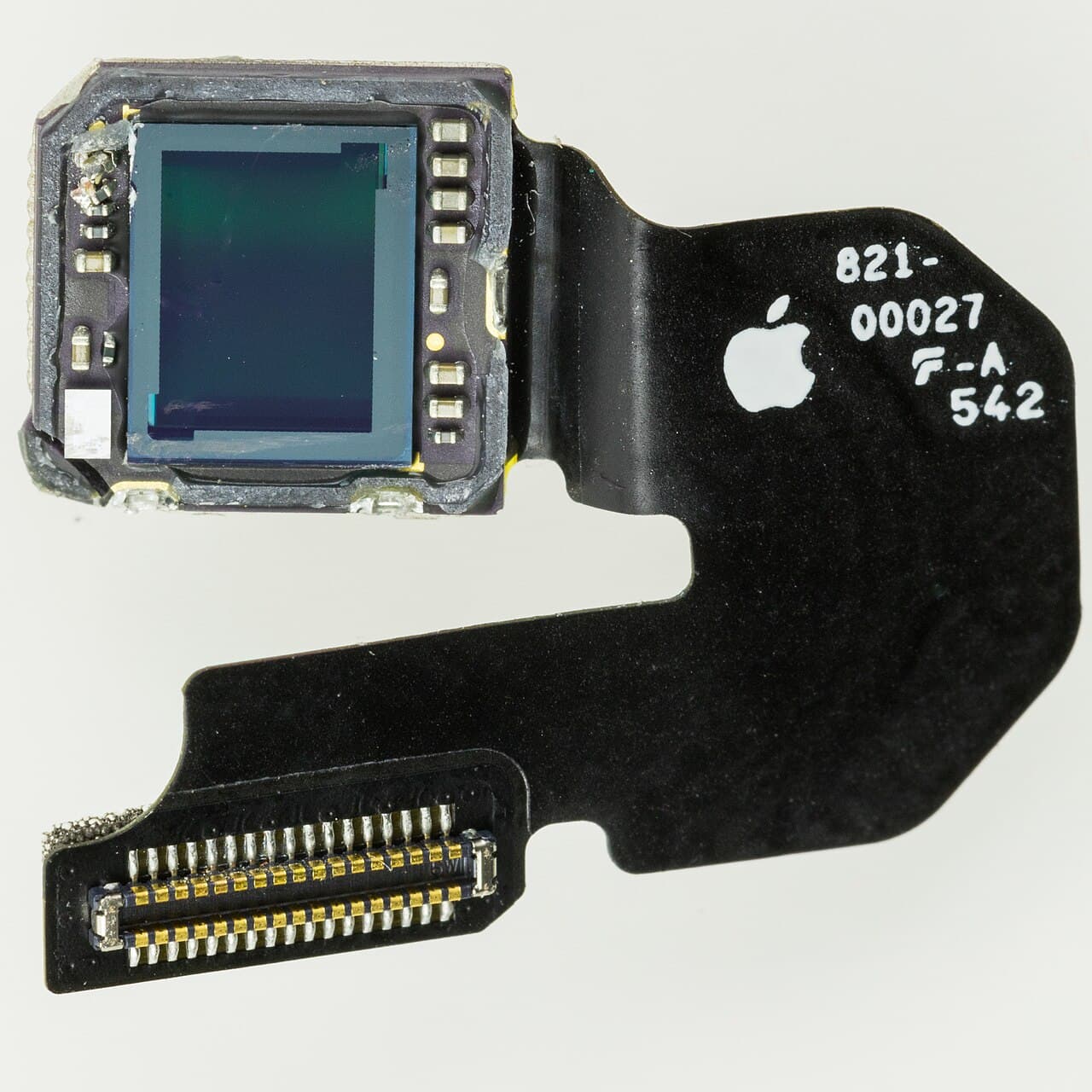
Then look at what is on the phone. Remove any case, film or accessory such as a polarizer, extender or magnifier that might block the camera or place a magnet near it.[1] If you see motion blur in low light and use a lens converter, metallic case or magnetic lens mount, try removing the accessory.[1] Google makes the same point for Pixel phones: some cases and accessories may unintentionally block the lens and affect focus on some devices.[4] If you are using a camera protector or lens cover, it may cause focus issues or light distortion.[3]
Check how you are shooting
Some blur is technique. Moving the phone while the shutter fires, or photographing a moving subject, creates blur. Hold the phone as still as you can and light the subject well.[3]
Distance matters too. The standard lens will work best when your subject is at least 12 inches away.[3] The telephoto lens needs at least 20 inches to properly focus.[3] If a close-up is soft, step back and zoom in rather than pushing the phone toward the subject.
A hazy look in cold or humid weather can be moisture. If your camera appears foggy or hazy, it may be caused by condensation inside the camera.[3] Samsung says this happens with a temperature difference between the inside and outside of the device, and it clears on its own. Let the phone sit at room temperature before you decide anything is broken.
Restart, update, and rule out an app
If the lens is clean and the case is off, restart the phone and update it to the latest system software.[1] On a Pixel, also check for a Camera app update.[4]
A third-party app can also interfere. On a Pixel, you can start in safe mode: if the camera app works in safe mode, another app might cause the problem.[4] Delete recently installed apps one at a time and test after each.
When the problem is the hardware
If photos are blurry at every distance, in good light, with a clean lens and no case, the camera module may be at fault. Look for permanent scratches near the camera lens and sensors.[4] A cracked or scratched lens cover, a dropped phone, or a camera that will not focus at all points to a repair rather than a settings change.
Apple's guidance is that if the camera or flash still isn't working properly, you might need service.[1] Back up the phone first. Ask the shop in a written quote which part is being replaced, whether it covers the lens glass or the full camera module, and what warranty it carries on the repair.
Stop and call a pro if
- Every photo is blurry after cleaning, removing the case, restarting and updating.
- The lens glass is cracked, scratched or has something inside it that wiping does not remove.
- The camera will not focus, shows a black screen or rattles. On an iPhone, the Mobile Resource Inspector diagnostic can help, and Apple says to get service if it finds an issue.[1]
- The phone has been dropped or been in water and the blur started afterwards.
- Haze inside the lens does not clear after the phone has had time to settle at room temperature.[3]
Do not open the phone yourself to reach the camera. A repair shop can replace the module and recalibrate it.
Getting help in Virginia
If the phone was also wet, read what to do if you drop your phone in water. Before choosing a shop, see how to judge a third-party phone repair shop, and for what a repair can cost, how much a screen replacement costs in Virginia. Loclis lists repair businesses near you: browse camera repair or see more phone and tablet answers.
When you are ready, describe the camera problem once and local repair businesses quote it.
Common questions
- How do I clean a phone camera lens safely?
- Use a soft, lint-free cloth such as a lens cloth or other microfiber cloth, slightly damp if needed. Apple says not to use compressed air on an iPhone, and Samsung recommends a soft, dry microfiber cloth for its Galaxy lenses. Avoid pressing hard on the glass.
- Can a phone case make photos blurry?
- Yes. Google says some cases and accessories can block the lens and affect focus, and Apple lists cases, films and accessories that block the camera or put a magnet near it. Take the case off and test before assuming the camera is faulty.
- Why are my close-up photos blurry?
- The camera may simply be too close to focus. Samsung says the standard lens works best at least 12 inches from the subject and the telephoto lens needs at least 20 inches. Step back and zoom in to frame the shot, or use the phone's close-up mode if it has one.
- Why does my camera look foggy or hazy?
- It may be condensation inside the camera, which Samsung says can occur when there is a temperature difference between the inside and outside of the device and which clears on its own. If the haze stays, or you see a permanent scratch near the lens, have it looked at.
- When is a blurry camera a repair job?
- When cleaning, removing the case, restarting and updating have not helped, or the blur appears on every photo at any distance. Apple's guidance is that if the camera still is not working properly, you might need service.
Sources
- [1] If the camera or flash on your iPhone or iPad isn't working, Apple Support. Checked October 27, 2026.
- [2] How to clean your iPhone, Apple Support. Checked October 27, 2026.
- [3] Fix blurry or poor photo and video quality on your Samsung Galaxy device, Samsung Electronics America. Checked October 27, 2026.
- [4] Fix your Camera app on your Pixel phone or tablet, Google Pixel Phone Help. Checked October 27, 2026.
Want a pro to handle it?
Describe the job once. Licensed local businesses send quotes, and you pay only when you book one.
Get a quote for Phone & Tablet