Can a cracked smartwatch screen be repaired?
Usually yes, but not as a home job. Watches are sealed, and Apple says Apple Watch water resistance can diminish over time and cannot be rechecked or resealed. Get a quote from the maker or an authorized repair provider, ask what is replaced, and unpair the watch first. The warranty does not cover accidental damage, so check for a protection plan.
Free to ask. Local shops send quotes, and you pay only when you book one.
By Kasra Taheri, Founder, LoclisPublished
Researched and drafted with AI, then checked claim by claim against the sources listed below before it was published. Prices and rules change; the dates beside each source say when it was last checked.
Step by step
Read when to stop and call a pro, further down this page, before you start.
Step 1: Stop wearing it if the glass is loose
If glass is splintered or sharp, take the watch off and stop wearing it, so the cracks do not cut your skin or let in water.
Step 2: Note what is actually damaged
Look at whether the crack is only in the cover glass, or whether the display underneath is dark, lined, patchy or not responding to touch. Take photos for the repair quote.
Step 3: Check your coverage
Look up your warranty and any protection plan, because the standard warranty does not cover accidental damage.[1]
Step 4: Get a written estimate
Ask the maker or an authorized provider what they will replace and what the fee is. Ask whether the fee changes once the watch is inspected.[1]
Step 5: Unpair and turn off the lock
Before you send the watch in, unpair it from its phone and turn off the theft lock on the account.[2]
Step 6: Keep it dry while you wait
Keep it away from soap and soapy water until it is fixed, because Apple lists drops and other impacts among the things that can affect water resistance.[3]
Step 7: Hand it in
Take it in person or send it by mail with the prepaid box the provider supplies, and keep the repair receipt.[1]
Step 8: Test it after the repair
When you get it back, check the touch response, display, buttons and charging, and ask what warranty covers the new work.[1]
Usually, yes. A cracked smartwatch glass or display can be repaired, but it is a job for the maker or an authorized repair provider rather than a home fix, because a watch is small, sealed and water resistant. Your first moves are to protect your skin and the watch, find out what is damaged, check what coverage you have and get a written estimate.
Why this is not a home repair
Water resistance is the main reason. Apple says: "Water resistance isn't a permanent condition and can diminish over time. Apple Watch can't be rechecked or resealed for water resistance."[3] Drops are on its list of things to avoid: Apple lists dropping Apple Watch or subjecting it to other impacts.[3] So a crack that came from a drop may already have weakened the seal, and opening the case at home makes that worse.
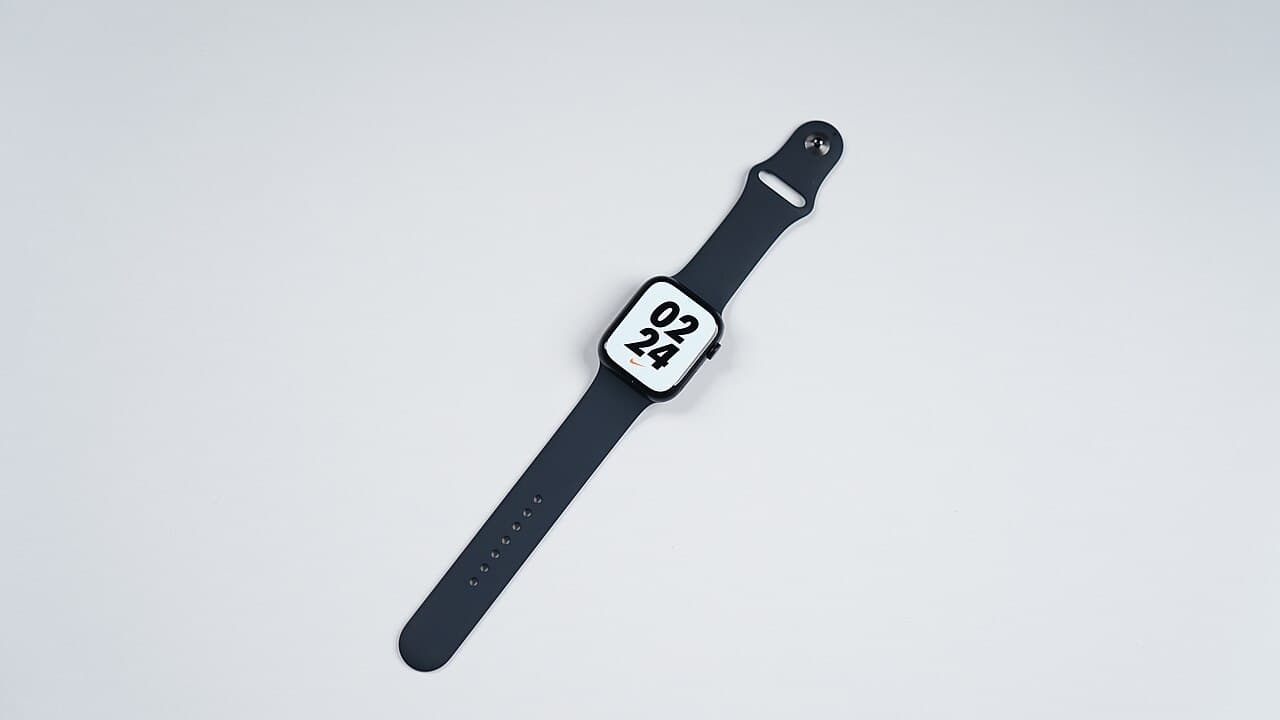
Other brands differ in detail, but the same logic applies to any sealed watch. The sections below use Apple's published policies as the worked example. Check your own maker's terms.
What to do first
Take the watch off if the glass is splintered or sharp. Keep it away from soap and soapy water, and wipe off any water with a lint-free cloth, until it is fixed. Photograph the damage from the front and the sides, and note anything that has changed: a dark or lined display, a touch screen that skips, buttons that stick.
A cracked cover glass over a working display is a different repair from a dead display. Both are quoted by the provider after they look at the watch, so the photos help but do not replace an inspection.
Check your coverage before you pay
Start with the paperwork. Apple states: "Our warranty doesn’t cover accidental damage or batteries that wear down from normal use."[1] A cracked screen from a drop therefore usually falls outside the standard warranty, and a plan you bought separately is the thing to check. Apple describes one kind of plan this way: "Your Apple Watch is covered for unlimited repairs for accidents like drops or bumps."[1] Plans differ by maker and by country, so read the terms for the fee and what counts as an accident.
Where to take it
Apple's route is: "You can get personal support at any Genius Bar or Apple Authorized Service Provider."[1] If you would rather not go in, Apple says "We can send you a prepaid shipping box with everything you need to securely mail your Apple Watch in for repair".[1]
Prices vary by model and by provider, so compare a few written quotes. Apple notes that Apple Authorized Service Providers can set their own service fees and will provide their own estimate,[1] and that "Weʼll inspect your device to determine the final service fee."[1] Ask each provider:
- whether the quote is for the glass alone or the whole display
- what the fee is if the watch has other damage that you did not see
- whether the parts are made by the watch maker
- how long it will take and whether you get a loaner or replacement
- what warranty applies to the work
Warranty terms on the repair differ by provider, so get them in writing before you agree. For the independent-shop question, see how much phone screen replacement costs in Virginia, which covers a similar repair.
Before you hand it over
Unpair the watch from its phone first. Apple says: "Before you send your Apple Watch in for service, sell it, or give it away, you should turn off Activation Lock."[2] Unpairing does this. On a cellular watch, the unpairing steps include a prompt: "For cellular models of Apple Watch, tap Remove Cellular Plan."[2] Check on your own model what is backed up before you unpair.
Repair or replace
Compare the repair quote with the price of a current model. A screen repair on an older watch whose battery is also worn may not be worth it. If the watch is covered by a plan, the repair fee may be low enough that repair wins.
For a battery that is also worn, see how much a phone battery replacement costs in Virginia and the other phone and tablet repair answers.
Stop and call a pro if
- the watch is swollen, hot or smells of chemicals, or the case is bulging, since that points to a failing battery; stop charging it and take it to a repair provider
- the glass is shattered enough to cut you, or pieces are missing
- the display is dead, shows lines or colored patches, or the touch screen does not respond
- water has got in, or there is moisture under the glass
- the watch will not charge or turn on after the drop
Loclis lists local phone and device repair businesses. Browse phone and tablet repair, or describe the job once and get quotes.
Common questions
- Can I replace a smartwatch screen myself?
- It is not a good home project. A watch is a small sealed unit, and Apple says its water resistance cannot be rechecked or resealed once it is compromised. Opening it yourself risks damaging the display and the seal, so leave the repair to the maker or an authorized provider.
- Does the warranty cover a cracked smartwatch screen?
- Usually not. Apple states that its warranty does not cover accidental damage or batteries that wear down from normal use. A paid protection plan can cover drops or bumps, so read your plan's terms before you pay for a repair.
- Is it safe to keep wearing a watch with a cracked screen?
- Not if the glass is sharp or loose. Take it off if it can scratch you. A crack can also let in water, and Apple lists dropping the watch or subjecting it to impacts among the things that can reduce its water resistance.
- What should I do before I hand the watch in?
- Unpair it from its phone and turn off the theft lock. Apple says to turn off Activation Lock before you send the watch in for service, and a cellular model also needs its cellular plan removed. Take photos of the damage as well.
- Will a repair shop quote differ from the maker's price?
- It can. Apple says authorized providers can set their own service fees and provide their own estimate, and that the final fee is set after inspection. Get the quote in writing and ask what it covers before you agree.
Sources
- [1] Apple Service and Repair for Apple Watch, Apple Support. Checked October 27, 2026.
- [2] About Activation Lock on your Apple Watch, Apple Support. Checked October 27, 2026.
- [3] About Apple Watch water resistance, Apple Support. Checked October 27, 2026.
Want a pro to handle it?
Describe the job once. Licensed local businesses send quotes, and you pay only when you book one.
Get a quote for Phone & Tablet