How much does laptop repair cost in Virginia?
There is no Virginia price list for laptop repair, because the bill depends on the model, the part that failed and whether a warranty covers it. A worn battery is usually a cheaper fix than a soldered motherboard, and liquid or accident damage is often excluded from warranties. Get the diagnosis, each part and the labor in a written quote before you approve work.
Free to ask. Local shops send quotes, and you pay only when you book one.
By Kasra Taheri, Founder, LoclisPublished
Researched and drafted with AI, then checked claim by claim against the sources listed below before it was published. Prices and rules change; the dates beside each source say when it was last checked.
Step by step
Read when to stop and call a pro, further down this page, before you start.
Step 1: Unplug it and power it down
Shut the laptop down, unplug the charger and any accessories, and leave the lid closed until you have a plan.
Step 2: Note the symptoms
Write down the make, model and year, what it does or does not do, and when it started. A shop can often give a rough price from a clear description.
Step 3: Try the cheap checks
Test a different outlet and charger, hold the power button for several seconds, and try an external screen or keyboard to narrow the fault.
Step 4: Back up your data
If it still starts, copy your files to an external drive or cloud account before it goes anywhere.[1]
Step 5: Find the warranty
Look for the receipt and warranty terms. Apple excludes damage from accident, abuse, misuse, fire and liquid contact, so know what yours says.[1]
Step 6: Get itemized written quotes
Ask two or three shops for the diagnosis, each part and the labor on separate lines, and the turnaround time.
Step 7: Weigh it against a replacement
Compare the quote with the price of a comparable new laptop before you approve it.
There is no Virginia price list for laptop repair. The bill depends on the model, what failed, whether a warranty still covers it and who does the work, so a flat number found online is a guess. What you can do is work out which of three situations you are in, and ask for a written quote that shows each part and the labor on its own line.
Check the warranty first
If the laptop is young, a failure may cost you nothing. Apple's one-year limited warranty covers defects in materials and workmanship, but it does not apply to batteries unless failure has occurred due to a defect in materials or workmanship.[1] Other makers write their own terms, so read the card or the support page for your brand and model.
Warranties leave out the things that cause many repairs. Apple's excludes damage caused by accident, abuse, misuse, fire, liquid contact or other external cause,[1] and damage caused by service performed by anyone who is not a representative of Apple or an Apple Authorized Service Provider.[1] A spilled drink or a cracked screen is usually a paid repair, and having an independent shop open a machine that is still in warranty can cost you the rest of your cover.
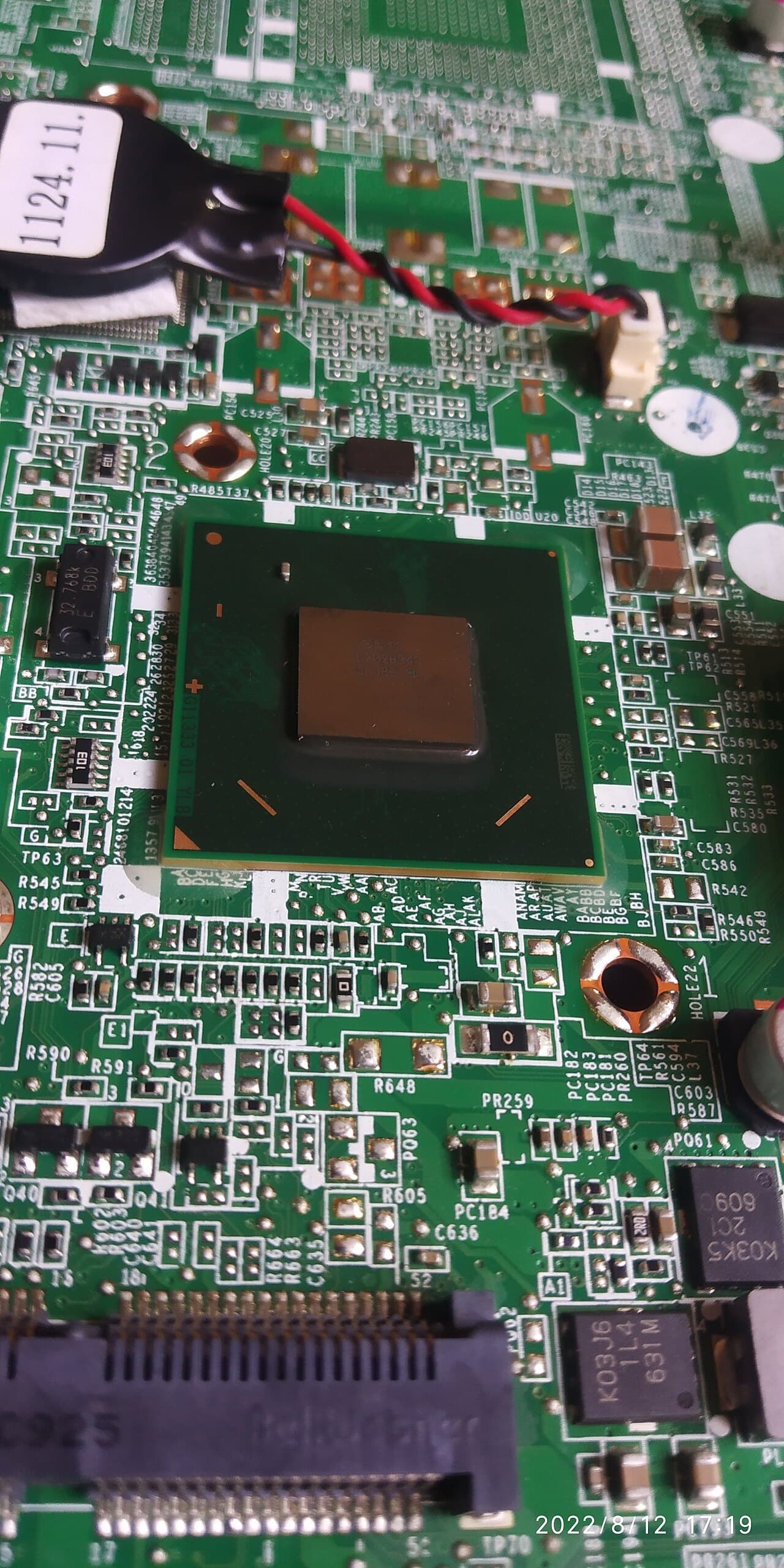
What drives a laptop repair price
- The part. A battery, a keyboard, a charging port or an SSD are the cheaper end. A screen, a motherboard or a graphics chip soldered to the board cost much more, and the board is often what decides whether repair makes sense.
- How the laptop is built. Parts that are fixed to the board instead of removable can turn a small job into a large one. Ask the shop whether the part is replaceable on its own.
- Labor and diagnosis. Most shops charge for time to find the fault. Ask whether the diagnostic fee is credited if you go ahead.
- Parts supply. Parts for older or less common models can be scarce, which raises the price or rules the repair out.
- Your data. Apple says before service you should keep a separate backup copy of the contents of the storage media, and that contents may be lost, replaced or reformatted during warranty service.[1] The same care applies at any shop.
Batteries deserve their own mention. Apple says its notebook batteries are designed to retain up to 80% of their original capacity at 1000 complete charge cycles,[2] so an older laptop with short battery life may only need a new battery, which is among the cheaper repairs. Apple says that for products with built-in lithium-ion polymer batteries, the batteries should be serviced by Apple or an authorized service provider.[2]
Getting a quote you can compare
Describe the symptoms clearly, give the make, model and year, and say what you have already tried. Then ask each shop for:
- the diagnosis and the cause, in writing
- each part and the labor priced separately
- whether the part is new, refurbished or used, and the warranty on the repair
- the turnaround time and the fee if you decline the repair
- how they will protect your data
Virginia's Consumer Protection Act lists misrepresenting that repairs have been performed or parts installed as a prohibited practice.[4] A written, itemized quote and the return of any replaced parts you ask for make that easy to check.
Repair or replace
A small fix on a laptop you like is usually worth doing. When the quote starts to approach the price of a comparable new machine, weigh it against age and condition; see is it worth repairing an old laptop.
Stop and call a pro if
Do not open a laptop that is in warranty, or one with a swollen battery, a cracked screen with exposed glass, or liquid inside. Stop using a swollen, hot or dented battery. Lithium-ion batteries and devices containing these batteries should not go in household garbage or recycling bins,[3] and to prevent fires, tape battery terminals and/or place lithium-ion batteries in separate plastic bags.[3] A repair shop or the maker can handle it from there.
Read more electronics repair answers, including how much drone repair costs in Virginia for a similar warranty-and-quote walk-through.
Loclis lists local repair businesses. Browse electronics repair services, then describe the laptop problem once and repair shops can quote it.
Common questions
- Does a warranty cover a dead battery?
- Often not. Apple's warranty does not apply to batteries unless failure has occurred due to a defect in materials or workmanship, so normal wear is a paid replacement. Check the terms for your brand.
- Can I have an independent shop repair a laptop still in warranty?
- You risk the rest of your cover. Apple's warranty does not apply to damage caused by service performed by anyone who is not a representative of Apple or an Apple Authorized Service Provider. Ask your maker first.
- Should I back up my data before a repair?
- Yes. Apple tells owners to keep a separate backup before service and warns that contents may be lost, replaced or reformatted. Assume any shop could need to wipe the drive.
- Why do two shops quote different prices for the same laptop?
- They may be quoting different parts (new, refurbished or used), different labor and different warranties. Ask for each item on its own line so the quotes are comparable.
- What should I do with a swollen laptop battery?
- Stop using and charging it. The EPA says lithium-ion batteries should not go in household garbage or recycling bins. Tape the terminals and/or bag it separately, and ask the maker or a repair shop how to handle it.
Sources
- [1] Apple One (1) Year Limited Warranty, Mac, Apple Inc.. Checked October 27, 2026.
- [2] Battery Service and Recycling, Apple Inc.. Checked October 27, 2026.
- [3] Used Lithium-Ion Batteries, U.S. Environmental Protection Agency. Checked October 27, 2026.
- [4] Va. Code § 59.1-200, Prohibited practices, Code of Virginia, Virginia General Assembly. Checked October 27, 2026.
Want a pro to handle it?
Describe the job once. Licensed local businesses send quotes, and you pay only when you book one.
Get a quote for Electronics