Is it worth repairing an old laptop?
Often yes for a battery, drive, memory, keyboard or charging port, and often no for a failed motherboard or when the quote nears the price of a comparable new laptop. Get a written diagnosis and price, check what else is wearing out, and back up your data before you decide.
Free to ask. Local shops send quotes, and you pay only when you book one.
By Kasra Taheri, Founder, LoclisPublished
Researched and drafted with AI, then checked claim by claim against the sources listed below before it was published. Prices and rules change; the dates beside each source say when it was last checked.
Step by step
Read when to stop and call a pro, further down this page, before you start.
Step 1: Write down what is wrong
Note the make, model and year, the symptoms and what the laptop is used for.
Step 2: Back up your files
Copy everything you care about to an external drive or cloud account before any repair.
Step 3: Get a written quote
Ask a shop for the diagnosis, each part and the labor priced separately.
Step 4: Price a replacement
Look up a comparable new laptop so you have a number to weigh the quote against.
Step 5: Check what else is wearing out
Consider the battery, the drive and the software support for the model, not only the failed part.
Step 6: Decide, and recycle the old one properly
If you replace it, delete personal data and take the battery to a recycling or hazardous waste collection point.[4]
Often yes, if the problem is a battery, a drive, memory, a keyboard or a charging port, and often no if it is a failed motherboard or the quote is near the price of a new machine. The age of the laptop matters less than what is wrong with it and how well it does the job you need.
A quick way to decide
Get the diagnosis and a written price first, then ask three questions:
- Does it still do what you need? If web, email and documents run fine, a fresh battery or a faster drive can add years. If it struggles with the software you use every day, a repair only buys a slow machine.
- What is the repair against a comparable new laptop? A quote that is a small fraction of replacement is an easy yes. When it approaches the price of a replacement, lean to replacing.
- What else is wearing out? A new screen on a laptop with a dying battery and a failing drive is a poor bet. A repair that fixes the only fault is a good one.
Repairs that usually pay off
Battery. Apple says its notebook batteries are designed to retain up to 80% of their original capacity at 1000 complete charge cycles,[1] so short battery life on an old laptop is normal wear and not a reason to retire it. Apple offers a battery replacement service for all MacBook, MacBook Air, and MacBook Pro notebooks with built-in batteries,[1] and other makers and local shops replace batteries too.
Storage and memory. A slow laptop is often a slow drive. Where the drive and memory are not soldered in, replacing them is one of the better value upgrades. EPA suggests that for your computer or laptop, you consider upgrading the hardware or software instead of buying a brand-new product.[3]
Keyboard, charging port, fan. Common failures with a clear fix. Ask the shop whether the part is new or used.
Repairs that rarely do
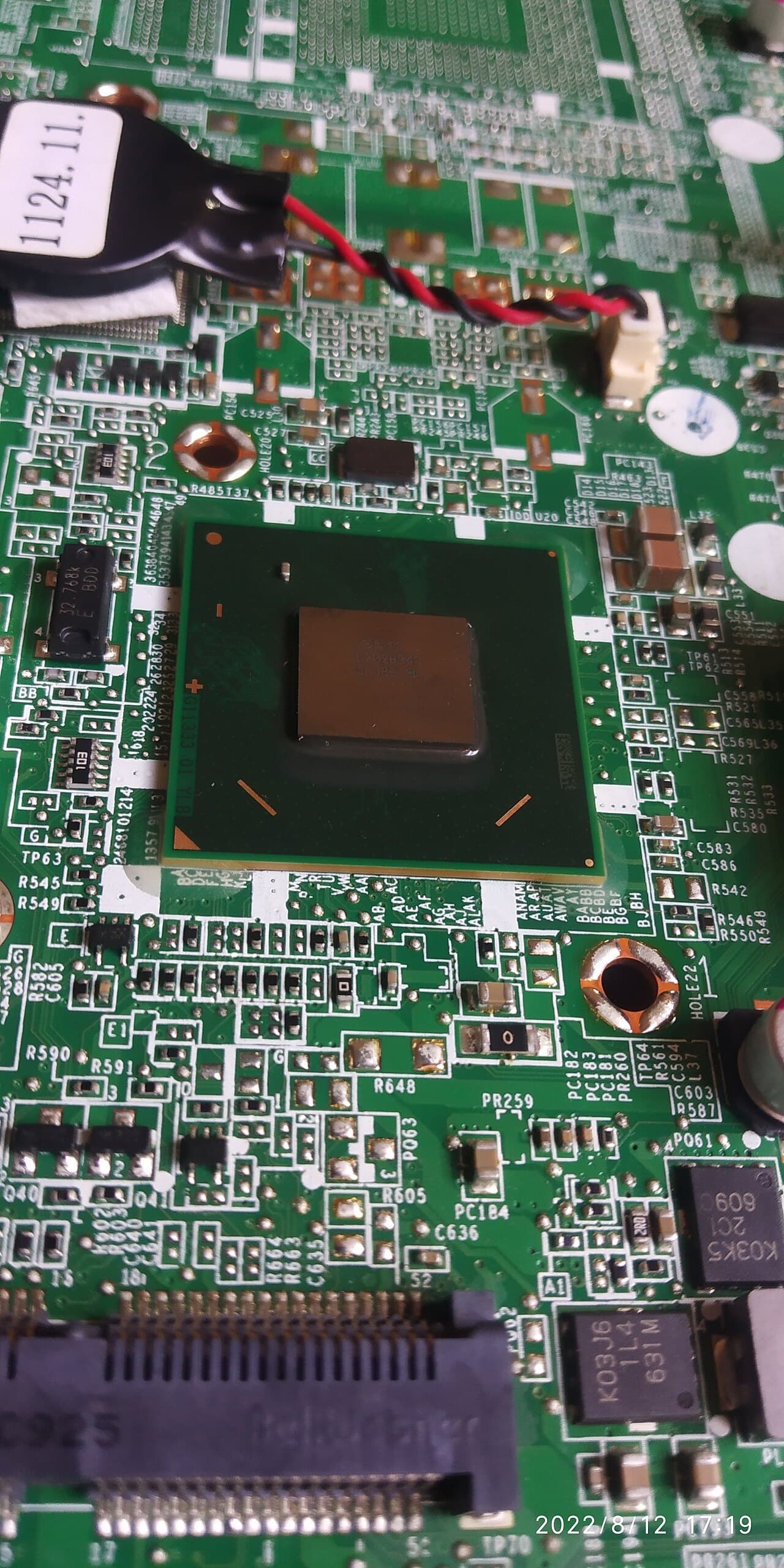
A failed motherboard, a dead graphics chip soldered to the board, or liquid damage that has corroded the inside are expensive and uncertain, because a shop may not be able to promise it found every fault. On an old laptop these are usually the point to replace. Warranties do not help here either: Apple's one-year limited warranty does not apply to defects caused by normal wear and tear or normal aging of the product.[2]
Software support is the other limit. If the maker no longer provides security updates for your model, the repair may be sound but the laptop is not a safe one to keep using for banking and email.
If you decide to replace it
Do not just bin the old one. Start with the data: delete all personal information from your electronics,[3] and back it up first. Then deal with the battery. Lithium-ion batteries and devices containing these batteries should not go in household garbage or recycling bins,[4] and lithium-ion batteries should be taken to separate recycling or household hazardous waste collection points.[4] There is an environmental upside to doing it right: EPA says recycling one million laptops saves the energy equivalent to the electricity used by more than 3,500 U.S. homes in a year.[3]
For what a quote is made of, see how much laptop repair costs in Virginia.
Stop and call a pro if
Do not open a laptop with a swollen or hot battery, liquid inside, or a cracked screen with loose glass, and do not keep charging one. Take it to a repair shop or back to the maker, and keep the battery taped and bagged on its own until it can be recycled.
See more electronics repair answers, including how much drone repair costs in Virginia.
Loclis lists local repair businesses. Browse electronics repair services, then describe the laptop problem once and repair shops can quote it.
Common questions
- Is a slow old laptop worth repairing?
- Often, if the cause is the drive or memory. Where those are not soldered in, upgrading them is usually good value. EPA suggests considering upgrading hardware or software instead of buying a brand-new product.
- Is a new battery worth it for an old laptop?
- Usually, if the rest of the machine still does the job. Apple designs its notebook batteries to keep up to 80% of capacity at 1000 complete charge cycles, so a worn one is normal wear.
- When is it not worth repairing?
- When the fault is a failed motherboard or liquid damage and the quote nears the price of a comparable new laptop, or when the model no longer gets security updates.
- What do I do with a laptop I replace?
- Back up and delete your personal data first, then recycle it. The EPA says lithium-ion batteries should go to separate recycling or household hazardous waste collection points, not household garbage.
- Will a warranty cover an old laptop?
- Probably not. Apple's one-year warranty excludes defects caused by normal wear and tear or normal aging, and other makers set their own terms. Check yours.
Sources
- [1] Battery Service and Recycling, Apple Inc.. Checked October 27, 2026.
- [2] Apple One (1) Year Limited Warranty, Mac, Apple Inc.. Checked October 27, 2026.
- [3] Electronics Donation and Recycling, U.S. Environmental Protection Agency. Checked October 27, 2026.
- [4] Used Lithium-Ion Batteries, U.S. Environmental Protection Agency. Checked October 27, 2026.
Want a pro to handle it?
Describe the job once. Licensed local businesses send quotes, and you pay only when you book one.
Get a quote for Electronics