Why is one of my in-ceiling speakers not working?
Often the fault is in the source, the amplifier, a volume control or the wire connections, not the speaker. Confirm the source is playing and the amplifier is on, bypass any volume control, then check the connections at the amplifier, where you can reach them. If a Sonos Amp is flashing orange and white, test one speaker at a time. Anything above the ceiling is a pro's job.
Free to ask. Local shops send quotes, and you pay only when you book one.
By Kasra Taheri, Founder, LoclisPublished
Researched and drafted with AI, then checked claim by claim against the sources listed below before it was published. Prices and rules change; the dates beside each source say when it was last checked.
Step by step
Read when to stop and call a pro, further down this page, before you start.
Step 1: Confirm the source
Check that audio is coming from the selected source, and select another source if necessary.[1]
Step 2: Check the amplifier
Make sure any power amplifiers are turned on and connected properly.[1]
Step 3: Bypass the volume control
If the dead speaker is fed through a wall volume control, bypass it temporarily if you can, since a faulty control can silence one room.[1]
Step 4: Compare rooms
Play the same music and see whether only that one speaker is silent, or the whole room or zone.
Step 5: Look at the amplifier light
On a Sonos Amp or Connect:Amp, a status light flashing orange and white means the amp has muted itself.[2]
Step 6: Reseat the wires at the amplifier
With the amplifier unplugged, check that the speaker wire at its terminals makes contact with bare wire, not insulation, and that no stray strands touch the other terminal.[1]
Step 7: Check polarity
Make sure the plus and minus wires are on matching terminals for that speaker.[1]
Step 8: Test one speaker at a time
Where the amplifier drives several speakers, reconnect one speaker at a time and play music to find the one that misbehaves.[2]
Start with the simple things
When one in-ceiling speaker goes quiet and its neighbours play, the cause is often in the signal path rather than the speaker. Episode's own no-sound troubleshooting list runs in this order: the source, the amplifier, anything in between, then the wire connections. Work through them in that order, because each takes a minute.
First, verify that there is audio coming from the source selected, and select another source if necessary.[1] Then ensure that any power amplifiers are turned on and connected properly.[1] A zone that was switched off at the amplifier or a streaming amp that lost power looks exactly like a dead speaker.
Rule out a volume control or zone
Many homes feed ceiling speakers through a wall volume control. The manufacturer's advice: "Check any connections at other devices, such as a volume control. Temporarily bypass the control if needed."[1] If bypassing the control brings the sound back, the control is the problem, not the speaker.
Also note whether the silent speaker is one of a pair. If both speakers in a room are quiet, think zone, volume control or amplifier channel. If one speaker of a pair is silent while the other plays, think wire and connection at that speaker's terminals.
Check the amplifier end
The only end of the wire most people can reach is at the amplifier or distribution panel. With the amplifier unplugged, look at the terminals for that speaker. Episode's advice for a silent speaker is: "Check wire connections at each speaker not producing sound for good contact to bare wire, not wire insulation."[1] The same applies at the amplifier: a wire clamped on its jacket will pass nothing.
Look for loose strands too. Episode says to ensure there are no stray strands of wire protruding from the connectors,[1] and the plus and minus conductors should land on matching terminals: "+ to + and – to – for each speaker and at the amplifier."[1] Trim and twist, then reseat, and play a test track.
If the amplifier is a Sonos Amp
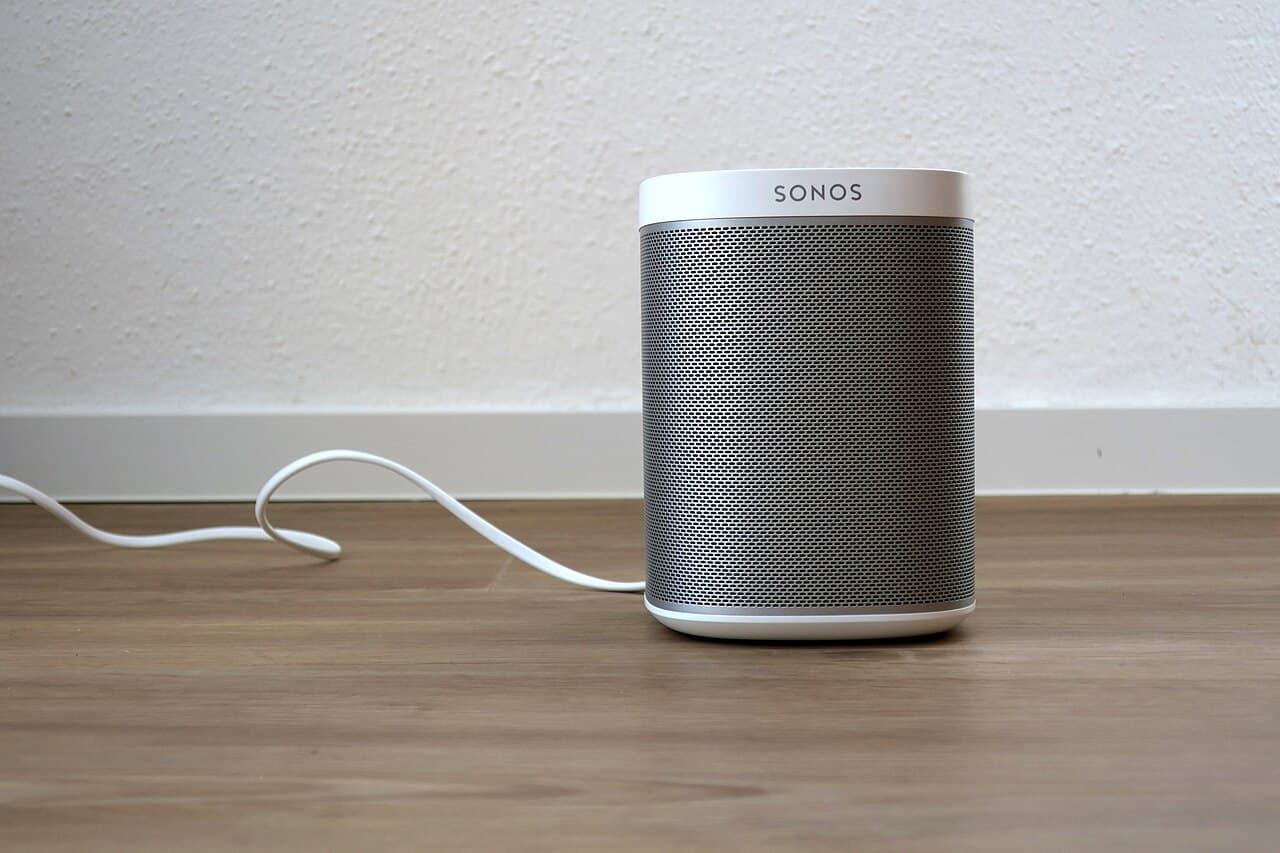
Sonos describes a protective fault mode. In a fault mode, the Amp mutes its audio and the status light flashes orange and white.[2] The causes it lists include that the speaker wires are not properly plugged in or are touching each other,[2] that the speaker wires are damaged,[2] and that there is too much load on the amplifier.[2] Sonos says to make sure your speakers have an impedance rating between 4 and 8 ohms.[2]
To find the culprit, unplug the Amp, disconnect every speaker and confirm the light stays solid white. Then reconnect one speaker at a time and play music. If music plays, that speaker and its wiring are fine. In Sonos's words: "If one specific speaker causes a fault, there may be a problem with the speaker itself or the wiring that the speaker is using."[2]
Other amplifiers are less forthcoming, but the method is the same: isolate one speaker at a time and see where the problem follows.
What you cannot see from the room
If every connection at the amplifier is good and the speaker is still silent, the fault is likely in the ceiling: a cable pinched by a screw or staple, a splice that has loosened, a broken conductor or a termination at the speaker terminals. These are fixed by a pro, since a hole has to be opened and the space above the ceiling is rarely friendly. Installers are told to pick locations free of obstructions created by joists, HVAC ductwork, electrical wire runs, plumbing or anything else,[1] which is a reminder that other things share that space.
Stop and call a pro if
- The fix means getting above the ceiling, into an attic or crawl space.
- You would have to take the speaker out of the ceiling or cut more drywall.
- The speaker wire runs near house wiring and you cannot tell what is what.
- You find a burning smell, scorched insulation or a hot amplifier. Unplug it.
- The amplifier faults with no speakers attached. Sonos says to contact its customer care in that case, as the problem is inside the amp.
Getting help in Virginia
To understand the system you are fixing, see how whole-home audio works, and for what a repair or install might run, how much whole-home audio costs in Virginia. If it is a ceiling job, should I hire an audio installer for in-ceiling speakers covers licences. Browse security and smart home answers or Security & Smart Home pros.
When you are ready, describe the dead speaker once and licensed local pros quote it.
Common questions
- Is a single dead in-ceiling speaker usually the speaker itself?
- Not necessarily. Episode's no-sound list for its in-ceiling speakers starts with the source, the amplifier, any volume control and the wire connections. Check those first, starting with the ones you can reach without opening the ceiling.
- What does a flashing orange and white light on a Sonos Amp mean?
- Sonos says that in a fault mode the Amp mutes its audio and the status light flashes orange and white. The causes it lists include speaker wires not properly plugged in or touching each other, damaged wires, overheating from poor airflow, too much load and a problem with a speaker.
- Can I just swap speakers to see which one is bad?
- You can swap which amplifier output a speaker wire is attached to, which tells you whether the fault follows the wire or stays with the amplifier channel. Do not take the speaker out of the ceiling to swap it unless you are comfortable with the ceiling above it; a pro can do that quickly.
- Why would the speaker sound thin or odd rather than silent?
- Reversed polarity is one possible cause. Episode's manual says to observe proper polarity, plus to plus and minus to minus, for each speaker and at the amplifier. A speaker wired backwards works but can sound hollow beside its neighbour.
- Who fixes wiring inside the ceiling?
- A licensed audio or low-voltage contractor. Read [should I hire an audio installer for in-ceiling speakers](/answers/should-i-hire-audio-installer-for-in-ceiling-speakers) for what Virginia requires.
Sources
- [1] Episode In-Ceiling Speakers ES-500T-IC and ES-700T-IC, owner's manual, Episode, SnapAV. Checked October 28, 2026.
- [2] No sound from Amp with a flashing orange and white light, Sonos. Checked October 28, 2026.
Want a pro to handle it?
Describe the job once. Licensed local businesses send quotes, and you pay only when you book one.
Get a quote from a local pro