How much does computer repair cost in Virginia?
There is no Virginia price list for desktop computer repair, because the bill depends on the part that failed, how easy it is to get, the diagnosis time and whether the problem is hardware or software. Desktops are generally cheaper to fix than laptops. Get the diagnosis, each part and the labor in a written quote and compare it with a replacement.
Free to ask. Local shops send quotes, and you pay only when you book one.
By Kasra Taheri, Founder, LoclisPublished
Researched and drafted with AI, then checked claim by claim against the sources listed below before it was published. Prices and rules change; the dates beside each source say when it was last checked.
Step by step
Read when to stop and call a pro, further down this page, before you start.
Step 1: Unplug it and power it down
Shut the computer down, then unplug the power cable from the back and leave the case closed.
Step 2: Note the symptoms
Write down the make and model, what it does or does not do, any beeps or error messages and when it started. A shop can often give a rough range from a clear description.
Step 3: Check the cables and power
Reseat the power cable, try a different outlet or power strip and check that the monitor cable is firmly seated at both ends.
Step 4: Back up your data
If it still starts, copy your files to an external drive or cloud account before it goes anywhere.
Step 5: Find the warranty
Look for the receipt and warranty terms, since opening a machine that is under warranty can end the cover.
Step 6: Get itemized written quotes
Ask two or three shops for the diagnosis, each part and the labor on separate lines, and the turnaround time.
Step 7: Weigh it against a replacement
Compare the quote with a comparable new desktop before you approve it.
There is no Virginia price list for desktop computer repair. The bill depends on what failed, how common the parts are, how much time the diagnosis takes and whether you are paying for hardware or for cleaning up software. A flat number found online is a guess. What you can do is get a written quote with the diagnosis, each part and the labor on separate lines, and compare it with the price of a replacement.
Why desktops are usually the cheaper computer to fix
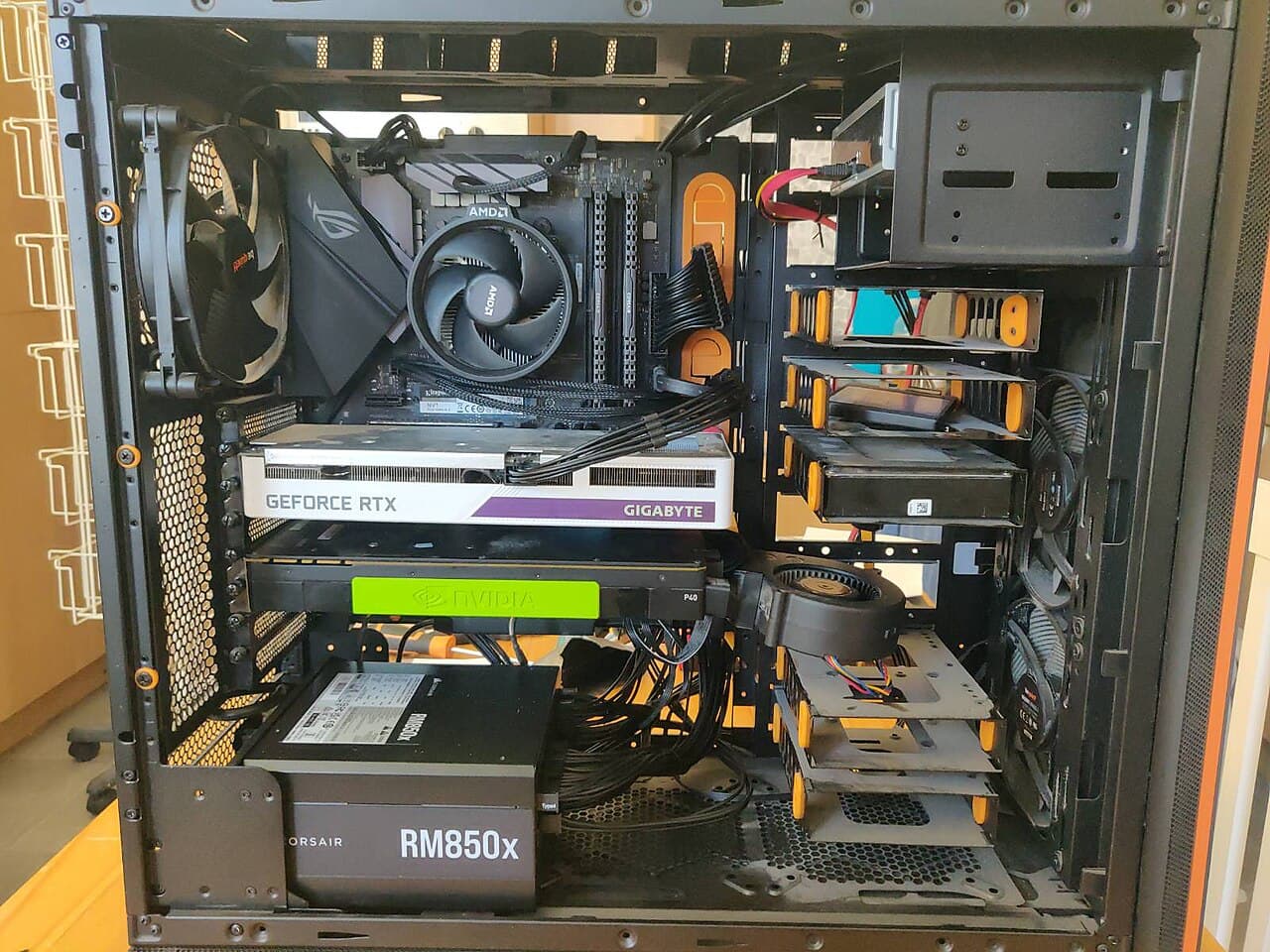
A desktop is built from separate parts that can be swapped one at a time. ENERGY STAR says desktops deliver more performance for the money than laptops and are less costly to repair.[1] It describes full-sized desktops as the least expensive and the easiest to upgrade and repair, while compact desktops can also be more difficult to upgrade and repair.[1] A failed power supply, drive or memory stick is a part swap on a tower. On a compact or all-in-one machine the same job can be harder, which can mean more labor.
What drives the price
- The part that failed. Memory, a storage drive, a power supply or a fan are generally the smaller fixes. A motherboard, a processor or a graphics card cost more, and a motherboard swap often forces other parts to change too.
- Age and availability. Parts for older machines can be hard to find, which can raise the price or rule the repair out.
- Diagnosis time. A machine that restarts at random or will not start can take real time to narrow down. Ask whether the diagnostic fee is credited if you approve the repair.
- Software or hardware. Slowness, pop-ups and failed updates are often a software job, priced by the hour. Hardware faults are priced by part and labor.
- Your data. Recovering files from a failing drive is a separate job from replacing the drive. Back up first if the machine still starts.
- Operating system support. An old machine may be fixable but still unable to run a supported version of Windows; see is it worth repairing an old desktop computer.
Getting a quote you can compare
Describe the symptoms, give the make and model, and say what you have already tried. Then ask each shop for:
- the diagnosis and the cause, in writing
- each part and the labor priced separately
- whether the part is new, refurbished or used, and the warranty on the repair
- the turnaround time and the fee if you decline the repair
- how they will protect your data, and whether the drive may be wiped
Virginia's Consumer Protection Act lists misrepresenting that repairs have been performed or parts installed as a prohibited practice.[4] A written, itemized quote, and the return of any replaced parts you ask for, make that easy to check.
Repair or replace
A modest fix on a machine that otherwise works is usually worth doing. When the quote climbs toward the price of a comparable new desktop, weigh it against the machine's age, whether it can still run a supported operating system and how much of it you would be replacing anyway. Microsoft says Windows 10 reached the end of support on October 14, 2025, and that technical assistance, feature updates and security updates is no longer provided,[2] so an older desktop that cannot move to Windows 11 is a different decision from a young one with a failed fan.
Doing the cheap checks yourself
Many "dead computer" calls come down to a loose cable, a switched-off power strip or a dead outlet. The short steps above cost nothing and help a shop quote accurately.
Stop and call a pro if
Do not open the power supply, and do not work inside a desktop that is plugged in. Stop and take it to a shop if you smell burning, see scorched parts, find a swollen or leaking component, or the machine is still under warranty and opening it could void the cover. Do not bin a swollen battery: the EPA says lithium-ion batteries and devices containing these batteries should not go in household garbage or recycling bins.[3] If you decide not to repair, the EPA also advises you to delete all personal information from your electronics before you donate or recycle them.[3]
Read more electronics repair answers, including how much laptop repair costs in Virginia for a similar quote walk-through.
Loclis lists local repair businesses. Browse electronics repair services, then describe the computer problem once and repair shops can quote it.
Common questions
- Is it cheaper to repair a desktop than a laptop?
- Usually. ENERGY STAR says desktops are less costly to repair than laptops, and that full-sized desktops are the easiest to upgrade and repair. ENERGY STAR notes that compact and all-in-one models can be more difficult to upgrade and repair.
- Do shops charge to find out what is wrong?
- Many do. Ask for the diagnostic fee up front and whether it is credited against the repair if you go ahead. Ask for the diagnosis in writing either way.
- Should I back up before a repair?
- Yes, if the machine still starts. A shop may need to wipe or replace the drive, and a failing drive can get worse. Assume your files could be lost.
- Why do two shops quote different prices for the same computer?
- They may be quoting different parts (new, refurbished or used), different labor and different warranties. Ask for each item on its own line so the quotes are comparable.
- What should I do with an old computer I will not repair?
- Delete your personal information first, as the EPA advises, then donate or recycle it. Remove any batteries and do not put lithium-ion batteries in household garbage or recycling bins.
Sources
- [1] Computers, ENERGY STAR, U.S. Environmental Protection Agency. Checked October 27, 2026.
- [2] Windows 10 support has ended on October 14, 2025, Microsoft Support. Checked October 27, 2026.
- [3] Electronics Donation and Recycling, U.S. Environmental Protection Agency. Checked October 27, 2026.
- [4] Va. Code § 59.1-200, Prohibited practices, Code of Virginia, Virginia General Assembly. Checked October 27, 2026.
Want a pro to handle it?
Describe the job once. Licensed local businesses send quotes, and you pay only when you book one.
Get a quote for Electronics