Is it worth repairing an old desktop computer?
Usually yes, if the desktop still runs a supported version of Windows and the fault is one failed part. Usually no, if it cannot get security updates, needs a motherboard, or the quote nears the price of a new desktop. Desktops are generally cheaper to repair than laptops, so get an itemized written quote and compare it with a replacement.
Free to ask. Local shops send quotes, and you pay only when you book one.
By Kasra Taheri, Founder, LoclisPublished
Researched and drafted with AI, then checked claim by claim against the sources listed below before it was published. Prices and rules change; the dates beside each source say when it was last checked.
Step by step
Read when to stop and call a pro, further down this page, before you start.
Step 1: Note the age and the symptom
Write down the make, model and approximate age, and exactly what the computer does or fails to do.
Step 2: Check which Windows it runs
Open Start > Settings > Update & Security > Windows Update and select Check for updates to see whether a Windows 10 PC is eligible for Windows 11.[2]
Step 3: Back up your files
If it still starts, copy your documents and photos to an external drive or cloud account.
Step 4: Get an itemized written quote
Ask a shop for the diagnosis, each part and the labor on separate lines, and whether the diagnostic fee is credited.
Step 5: Price a replacement
Look at a comparable new or refurbished desktop so you can set the two prices side by side.
Step 6: Decide, then clear your data
If you replace it, delete your personal information before you donate or recycle the old machine.[3]
Usually yes, if the computer still runs a supported version of Windows and the fault is a single failed part. Usually no, if the machine cannot be updated, the repair needs a motherboard or several parts at once, or the quote approaches the price of a new desktop. The deciding questions are what is wrong, whether the machine can still be kept secure and what the repair costs next to a replacement.
Why a desktop is worth more than a laptop of the same age
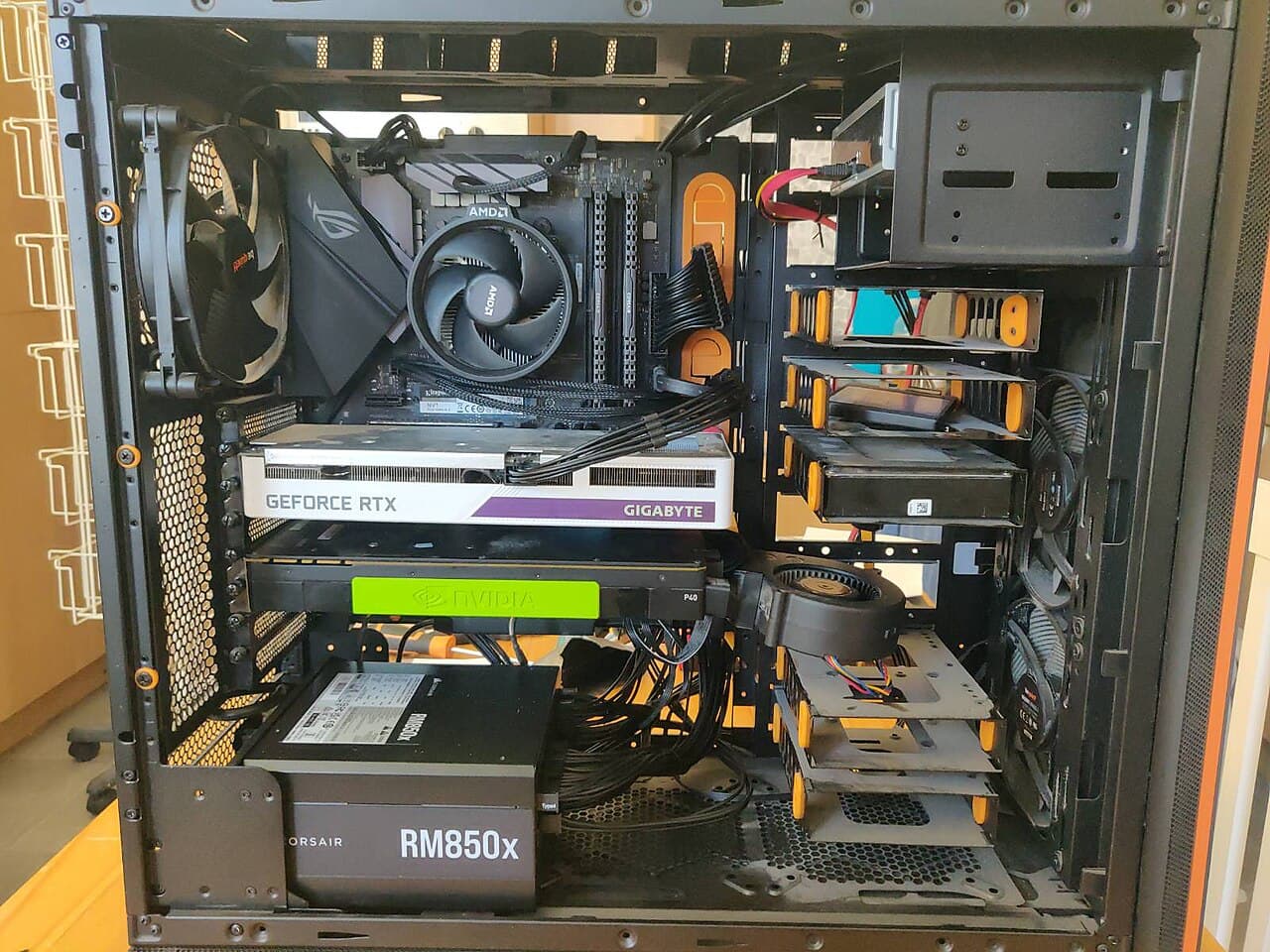
A desktop is built from parts that can be replaced one at a time. ENERGY STAR says desktops deliver more performance for the money than laptops and are less costly to repair,[1] and that full-sized desktops are the least expensive and the easiest to upgrade and repair.[1] Compact models can also be more difficult to upgrade and repair,[1] so a mini desktop or an all-in-one is a harder case for repair than a full tower.
That flexibility is also an argument for fixing rather than replacing. A tower with a failed drive or power supply is often a part swap on a machine that otherwise works. The EPA's advice for people retiring a computer is to consider upgrading the hardware or software instead of buying a brand-new product.[3]
Start with software support
Age matters less than whether the operating system is still supported. Microsoft says Windows 10 reached the end of support on October 14, 2025, and that technical assistance, feature updates and security updates is no longer provided.[2] It adds that without continued software and security updates, a PC will be at a greater risk for viruses and malware.[2]
Two things follow. If your desktop runs Windows 10 and can move to Windows 11, the upgrade is free, but only Windows 10 PCs that are running Windows 10, version 22H2 and meet the minimum hardware specifications will be able to upgrade.[2] Microsoft says you can check eligibility at Start > Settings > Update & Security > Windows Update and by selecting Check for updates.[2] If it cannot upgrade, Microsoft's consumer Extended Security Updates program can protect a Windows 10 device till October 12, 2027,[2] which buys time but not a long-term answer. A repair that leaves you on an unsupported system is money spent on a machine with a deadline.
A simple way to decide
- One failed part on a machine that can run a supported system: repair is usually sensible. Memory, storage, a power supply, a fan or a graphics card are typical examples.
- A failed motherboard or processor on an old machine: this often forces other parts to be replaced as well, so price the whole job. A new or refurbished desktop may be the better buy.
- A machine that is slow but not broken: more memory or a solid-state drive may be the cheapest improvement, and it is a hardware upgrade a shop can quote in advance.
- A machine that cannot get security updates: weigh any repair against replacement, since the machine will need replacing soon anyway.
- Data you cannot lose: repair or recovery may be worth more than the computer. Back up first if the machine still starts.
There is no fixed cutoff. Compare the written quote with a comparable new desktop, and weigh your own use, the age of the other parts and the warranty on the repair.
Running costs
ENERGY STAR says certified computers use about 30-40% less energy than standard models,[1] and that enabling an ENERGY STAR certified desktop computer's power management features can save your office or home office $15 per year.[1] Running cost is rarely a reason to replace on its own, but turn on sleep settings whichever way you go.
If you decide not to repair
Do not just put it at the curb. Delete all personal information from your electronics,[3] remove any batteries since they may need to be recycled separately,[3] and take it to a recycler or donation program. The EPA notes that lithium-ion batteries and devices containing these batteries should not go in household garbage or recycling bins.[3]
Stop and call a pro if
Do not open the power supply, and do not work inside a desktop that is plugged in. Take the computer to a repair shop if you smell burning, see scorched or swollen parts, have a drive that clicks or is not recognized and holds files you need, or the machine is under warranty. For what a shop is likely to charge, see how much computer repair costs in Virginia.
Read more electronics repair answers, or compare with whether an old laptop is worth repairing.
Loclis lists local repair businesses. Browse electronics repair services, then describe the computer problem once and repair shops can quote it.
Common questions
- How old is too old to repair a desktop?
- Age alone is not the test. A machine that can run a supported version of Windows and needs one part is often worth fixing; one that cannot get security updates, or needs a motherboard, often is not.
- Can I keep using Windows 10?
- It will still run, but Microsoft says it no longer provides technical assistance, feature updates or security updates, which leaves a PC at greater risk of viruses and malware. Microsoft's consumer Extended Security Updates program can protect a Windows 10 device till October 12, 2027.
- Is the Windows 11 upgrade free?
- Microsoft says it is, but only for Windows 10 PCs running version 22H2 that meet the minimum hardware specifications. Check under Windows Update in Settings.
- Is a desktop cheaper to repair than a laptop?
- Usually. ENERGY STAR says desktops are less costly to repair than laptops, and full-sized desktops are the easiest to upgrade and repair.
- What should I do before recycling an old computer?
- Delete all personal information and remove any batteries, as the EPA advises. Lithium-ion batteries and devices containing them should not go in household garbage or recycling bins.
Sources
- [1] Computers, ENERGY STAR, U.S. Environmental Protection Agency. Checked October 27, 2026.
- [2] Windows 10 support has ended on October 14, 2025, Microsoft Support. Checked October 27, 2026.
- [3] Electronics Donation and Recycling, U.S. Environmental Protection Agency. Checked October 27, 2026.
Want a pro to handle it?
Describe the job once. Licensed local businesses send quotes, and you pay only when you book one.
Get a quote for Electronics