How often should I replace my Wi-Fi router?
There is no fixed number of years. Replace a router when the manufacturer stops releasing firmware and security updates for it, which the FBI calls end of life, or when it cannot use the strongest security setting, WPA3. Until then, keep its firmware current and its settings tight, and fix placement before blaming the hardware.
Free to ask. Local shops send quotes, and you pay only when you book one.
By Kasra Taheri, Founder, LoclisPublished
Researched and drafted with AI, then checked claim by claim against the sources listed below before it was published. Prices and rules change; the dates beside each source say when it was last checked.
Step by step
Read when to stop and call a pro, further down this page, before you start.
Step 1: Find the exact model
Read the model and hardware version from the label on the router, or from its app or settings page.
Step 2: Check whether it is still supported
On the manufacturer's website, look up the model's support page and see whether firmware updates are still being released.[1]
Step 3: Update the firmware
Check the manufacturer's website for the latest firmware, or turn on automatic updates if the router offers them.[2]
Step 4: Check the security setting
In the router's settings, look at the Wi-Fi security type. If WPA3 is not offered, note that for your replacement decision.[2]
Step 5: Turn off remote management
Turn off remote management, save the change, and restart the router.[1]
Step 6: Change the default passwords
Change the router's administrator password and its default network name.[2]
Step 7: Fix placement before buying
If the problem is weak rooms, move the router to a central, open spot before deciding the hardware is the cause.[3]
Step 8: Replace it if it is end of life
If the manufacturer no longer supports the model, buy a current one and set it up with the same checks.[1]
Replace it when updates stop, not on a calendar
Wi-Fi routers do not wear out on a schedule, so there is no number of years that is right for everyone. The useful test is support. When a hardware device is end of life, the manufacturer no longer sells the product and is not actively supporting the hardware, which also means they are no longer releasing software updates or security patches for the device.[1] An end-of-life router keeps working, but every new weakness found in it stays open.
The FBI's advice is blunt: if the router is at end of life, replace the device with an updated model if possible.[1] It adds that routers dated 2010 or earlier likely no longer receive software updates issued by the manufacturer and could be compromised by cyber actors exploiting known vulnerabilities.[1] Anything that old is overdue, but a router much newer than that can also lose support, so check the model itself.
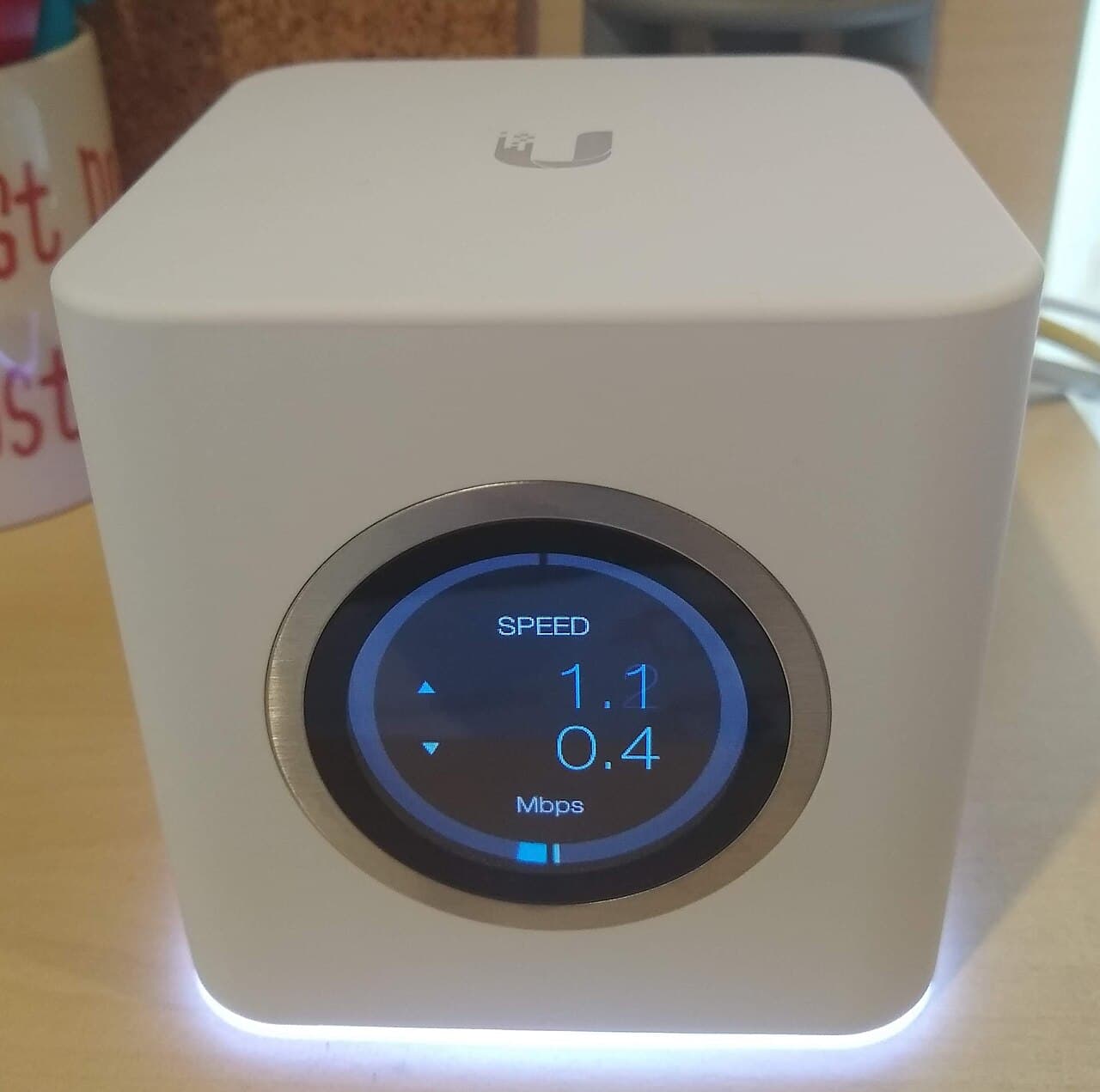
Check your router once a year
A short yearly check beats guessing. Find the model and hardware version on the label, then look at the manufacturer's support page for that exact model. If firmware is still being released, you are fine. If the page lists the model as discontinued or end of life, or the last update is years old, start shopping.
While you are there, update the firmware. Firmware updates enhance product performance, fix flaws, and address security vulnerabilities,[2] and some routers have the option to turn on automatic updates.[2] Turn that on if yours offers it, and the yearly check gets easier.
Other signs it is time
It cannot use the strongest security. CISA recommends using the Wi-Fi Protected Access 3 (WPA3) Personal Advanced Encryption Standard (AES), which it describes as the most secure router configuration available for home use.[2] If your router's security menu has no WPA3 option, that is a reason to upgrade even if it still gets updates.
It shows the warning signs. Commonly identified signs of malware infections on routers include overheating devices, problems with connectivity, and changes to settings the administrator does not recognize.[1] Apply any updates, change the password and restart the router. If the signs return and the model is end of life, replace it.
It no longer fits the house or the devices. A router that cannot keep up with a home full of phones, cameras and smart devices may be better replaced by a mesh system. Before buying, rule out placement, which is free: keep your router as close to the center of the room as possible to distribute the signal evenly.[3] The cause of a weak upstairs is often location, not age; see why Wi-Fi is slow upstairs.
Keep the old one safe while it lasts
Whatever its age, tighten the settings. Disable remote management: login online to the router settings and disable remote management/remote administration, save the change, and reboot the router.[1] Change your router's administrator password to help protect it from an attack using default credentials.[2] Also rename the network: because the device's default SSID typically identifies the manufacturer or the actual device, an attacker can use this to identify the device and exploit any of its known vulnerabilities.[2] Pick a name that is not tied to your identity or address.
Stop and call a pro if
- You want cable run through walls or between floors for a new wired setup. That is cabling work for a contractor, not a router swap.
- The speed is poor even next to the router, or the line drops. That is the modem or the line, and your internet provider fixes it.
- You suspect your accounts or devices were compromised. The FBI's guidance is to apply updates and change your password and restart the router, and if you believe you are a victim, to file a complaint at ic3.gov.[1]
- You are not sure what to buy for a large or multi-floor house. See whether to hire someone to set up mesh Wi-Fi.
Getting help in Virginia
For a new setup, read how to get good Wi-Fi in every room and what whole-house Wi-Fi costs in Virginia. Browse security and smart home pros or more smart home answers.
When you are ready, describe your Wi-Fi job once and local pros quote it.
Common questions
- Is there a number of years after which a router should be replaced?
- No official one. What matters is whether the manufacturer still releases firmware and security updates for your model. The FBI treats a router as end of life once the maker no longer sells it or supports it, and says such routers no longer receive updates or security patches.
- How do I know whether my router is end of life?
- Look up your exact model and hardware version on the manufacturer's support page and see whether recent firmware exists. If the last update is years old, or the page lists the model as discontinued or end of life, plan to replace it.
- Will a new router make my internet faster?
- Only if the router is the bottleneck. Test next to the router first: if the speed there is far below your plan, the line or modem is the cause. If it is fine there and weak in some rooms, placement or a mesh unit is a cheaper fix than a new router.
- Should I use the router my internet provider gave me?
- It works, but the same rules apply: ask the provider whether it receives updates, and replace it if it does not. Check the terms of your service before swapping out equipment the provider supplied.
- What are signs my router has a problem?
- The FBI lists overheating devices, problems with connectivity, and changes to settings the administrator does not recognize as commonly identified signs of malware infections on routers. If you see them, apply updates, change the password and restart the router.
Sources
- [1] Cyber Criminal Proxy Services Exploiting End of Life Routers, Federal Bureau of Investigation, Internet Crime Complaint Center. Checked October 28, 2026.
- [2] Home Network Security, Cybersecurity and Infrastructure Security Agency. Checked October 28, 2026.
- [3] Router Antenna Position: Tips for the Best Wi-Fi Signal, TP-Link. Checked October 28, 2026.
Want a pro to handle it?
Describe the job once. Licensed local businesses send quotes, and you pay only when you book one.
Get a quote from a local pro