Should I hire someone to set up a mesh Wi-Fi system?
Usually not. Mesh kits are built for self-setup: the router connects to your modem, each satellite plugs in within 25 to 50 feet of the router or another satellite, and the maker's phone app walks you through it. Hire a licensed pro when you want Ethernet cable run through walls or ceilings, or when a contract reaches $1,000.
Free to ask. Local shops send quotes, and you pay only when you book one.
By Kasra Taheri, Founder, LoclisPublished
Researched and drafted with AI, then checked claim by claim against the sources listed below before it was published. Prices and rules change; the dates beside each source say when it was last checked.
Step by step
Read when to stop and call a pro, further down this page, before you start.
Step 1: Unbox and read the quick-start
Find the quick-start guide and the maker's app name in the box, and install the app on your phone.
Step 2: Connect the mesh router to the modem
The mesh router must be physically connected to your modem.[1] Power it up and let the app find it.
Step 3: Name the network and set passwords
Give the network a name that does not identify you or your address, choose a strong Wi-Fi password and set a new router administrator password.[3]
Step 4: Place the first satellite
Plug it in within 25 to 50 feet of the router, in the open, where it still has a strong signal.[1]
Step 5: Add the other satellites
Add each one the same way, within 25 to 50 feet of the router or another satellite.[1]
Step 6: Check for updates
Install any firmware update the app offers and turn on automatic updates if available.[3]
Step 7: Test the weak rooms
Repeat your phone speed test in the rooms that were weak, and move a satellite if one is still poor.
Usually you do not need to
A mesh Wi-Fi kit is made for self-setup, so for most homes you do not need to hire anyone. Hire a pro when you want Ethernet cable run through walls or ceilings, or the house is large or hard to cover, because that is cabling work, not setup.
Setup is a few plug-in steps. TP-Link says every Deco mesh WiFi system features mobile phone setup with the Deco app,[2] and "Just plug in your Deco and TSS auto-detects and adds it with one click."[2] You connect the main unit to your modem, add satellites and let the app do the rest.
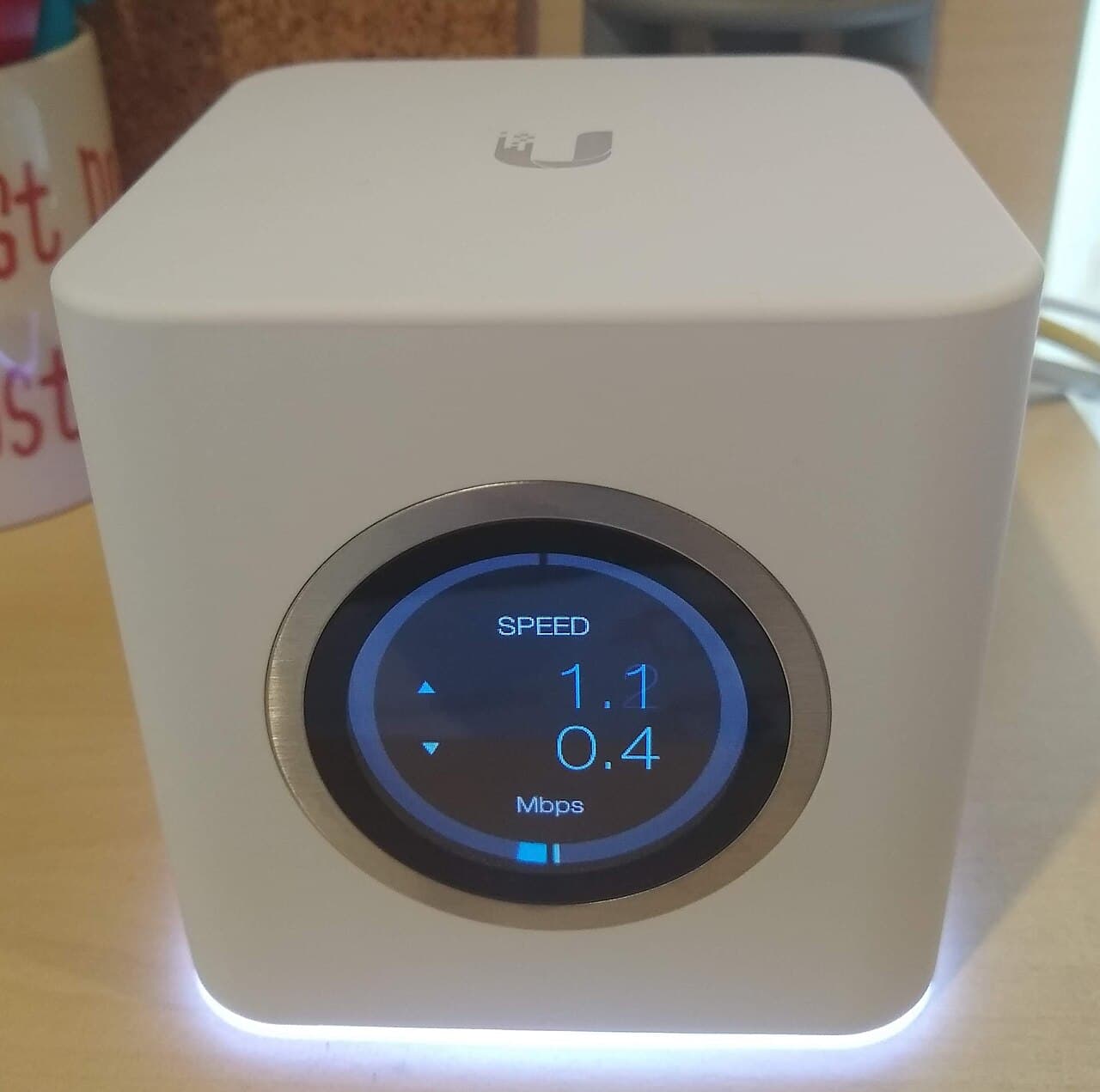
What you do yourself
The rules that matter are short. The WiFi mesh router must be physically connected to your modem.[1] Satellites should be placed within 25-50 feet from the router or at least one other satellite,[1] so put them partway to the weak rooms, not inside the dead zone.
Then secure it. Change your router's administrator password to help protect it from an attack using default credentials.[3] Make your SSID unique and not tied to your identity or location.[3] Firmware updates enhance product performance, fix flaws, and address security vulnerabilities,[3] and some routers have the option to turn on automatic updates.[3]
When paying someone makes sense
- You want wired links. TP-Link describes its system as one that seamlessly blends wired and wireless backhaul between units for faster speeds and lower latency.[2] Getting a cable to each satellite means drilling and fishing through finished walls, an attic or a basement ceiling.
- The house is hard to cover. NETGEAR notes that you might need more satellite units for denser or wider WiFi coverage,[1] and a pro can walk the house and test placement.
- You want ceiling or outdoor access points, which usually need a cable and a power source at the mounting spot.
- You cannot spare the time, or you are setting up cameras and smart-home devices that all depend on the network.
For the question of whether smart-home setup in general is worth paying for, see is it worth paying someone to set up a smart home.
What Virginia requires of the pro
In Virginia, network cabling is a contractor specialty. The Board for Contractors defines the electronic and communications specialty as installation, repair, improvement, or removal of electronic or communications systems annexed to real property including telephone wiring, computer cabling.[4] If the work you are considering is valued at $1,000 or more, a valid Virginia Contractor's License is required for the license category in which the contractor is to work.[6] DPOR says that by hiring a licensed contractor, you become eligible to receive monetary compensation from the Contractor Transaction Recovery Fund in case of improper or dishonest conduct.[6]
A permit is usually not part of it. The building code exempts installation of wiring and equipment that (i) operates at less than 50 volts, (ii) is for broadband communications systems,[5] except when any such installations are located in a plenum, penetrate fire rated or smoke protected construction.[5] A cable through a garage firewall is the usual example.
Limit your deposit to 10% down or $1,000, whichever is less.[6] The details of price are in how much whole-house Wi-Fi costs in Virginia.
Stop and call a pro if
- You want cable through walls, ceilings or between floors.
- The route crosses a fire-rated wall or ceiling, or runs through a plenum space.[5]
- You need a new outlet where a satellite should go. That is electrical work for an electrician.
- Nothing works next to the router. The fault may be the modem or the line, and your internet provider should check it.
- A contractor quotes $1,000 or more and cannot show a licence number.[6]
Getting help in Virginia
If you are still sorting out coverage, read how to get good Wi-Fi in every room. Loclis lists licensed pros under security and smart home, and you can see more smart home answers.
When you are ready, describe your cabling job once and licensed local pros quote it.
Common questions
- Is setting up a mesh Wi-Fi system hard?
- Not for most people. Mesh kits are sold for self-setup: the main unit connects to the modem and you add satellites through the maker's phone app. TP-Link says every Deco mesh system features mobile phone setup with the Deco app.
- Will a mesh system work in a big or brick house?
- Often, with enough satellites. NETGEAR says a brick, wide or multi-floor home may need more satellite units. If one satellite cannot reach another well, a wired link between units is the fix, and that is where a pro helps.
- What should I ask a Wi-Fi installer before hiring?
- Ask for the DPOR licence number and class, a written quote that lists each cable run and the equipment, and who supplies and owns the router. Check the licence on DPOR's lookup before you sign.
- Do I need a permit for Wi-Fi cabling in Virginia?
- Usually not. The building code exempts installation of wiring and equipment that operates at less than 50 volts and is for broadband communications systems, except in a plenum or where it penetrates fire-rated or smoke-protected construction.
- Why hire a licensed contractor rather than a handyman for cabling?
- DPOR says that by hiring a licensed contractor, you become eligible to receive monetary compensation from the Contractor Transaction Recovery Fund in case of improper or dishonest conduct. For work valued at $1,000 or more, a licence is required.
Sources
- [1] Mesh WiFi Systems for Seamless Whole-Home Coverage, NETGEAR. Checked October 27, 2026.
- [2] How Does Deco Whole Home Mesh Benefit Your Home WiFi, TP-Link. Checked October 27, 2026.
- [3] Home Network Security, Cybersecurity and Infrastructure Security Agency. Checked October 27, 2026.
- [4] 18VAC50-22-30, Definitions of specialty services (Board for Contractors Regulations), Virginia Administrative Code, Virginia General Assembly. Checked October 27, 2026.
- [5] 13VAC5-63-80. Section 108 Application for permit (Virginia Uniform Statewide Building Code), Virginia Administrative Code, Virginia General Assembly. Checked October 27, 2026.
- [6] What You Should Know Before You Hire a Contractor, Virginia Board for Contractors, DPOR. Checked October 27, 2026.
Want a pro to handle it?
Describe the job once. Licensed local businesses send quotes, and you pay only when you book one.
Get a quote from a local pro