How do I program a thermostat to save money?
Program a comfortable temperature for when you are home and awake, around 68°F in winter, and let the thermostat drop it 7 to 10 degrees while you sleep or are out; in summer, let it run warmer while nobody is home. The Department of Energy put savings at up to 10% a year. Heat pumps do better on a moderate, steady heating setting unless the thermostat is made for them.
Free to ask. Local shops send quotes, and you pay only when you book one.
By Kasra Taheri, Founder, LoclisPublished
Researched and drafted with AI, then checked claim by claim against the sources listed below before it was published. Prices and rules change; the dates beside each source say when it was last checked.
Step by step
Read when to stop and call a pro, further down this page, before you start.
Step 1: Know what you are controlling
Check whether the thermostat runs a furnace, a heat pump or baseboard heat, because heat pumps and line-voltage heaters need different handling.[1]
Step 2: Set the clock and the day
Set the correct time and day of the week first, since every schedule period starts from the thermostat's clock.
Step 3: Write down your week
Note when people wake, leave, come home and go to bed, and treat any stretch of four hours or more with nobody home as a setback period.[1]
Step 4: Set the home-and-awake temperature
In winter, set the periods when you are home and awake to around 68°F to 70°F.[1]
Step 5: Set the sleep and away periods
Program those periods 7°F to 10°F lower than your normal setting, for about eight hours a day in total.[1]
Step 6: Start the setback a little early
If you sleep cooler, start the night setback a bit before bedtime, and have the heat return shortly before the alarm.[1]
Step 7: Program the summer schedule
For cooling, set 78°F or higher while you are home and let the house run warmer while you are away.[2]
Step 8: Go easy on a heat pump
With a heat pump, hold a moderate, steady heating setting, or use a programmable thermostat designed for heat pumps, which minimizes the backup electric heat.[1]
Step 9: Use hold only for exceptions
Use the temporary hold for a day off or a guest, then let the schedule take over again so the savings continue.
Step 10: Check the results
Watch comfort and the next couple of bills, and adjust a period by a degree or two at a time rather than abandoning the schedule.
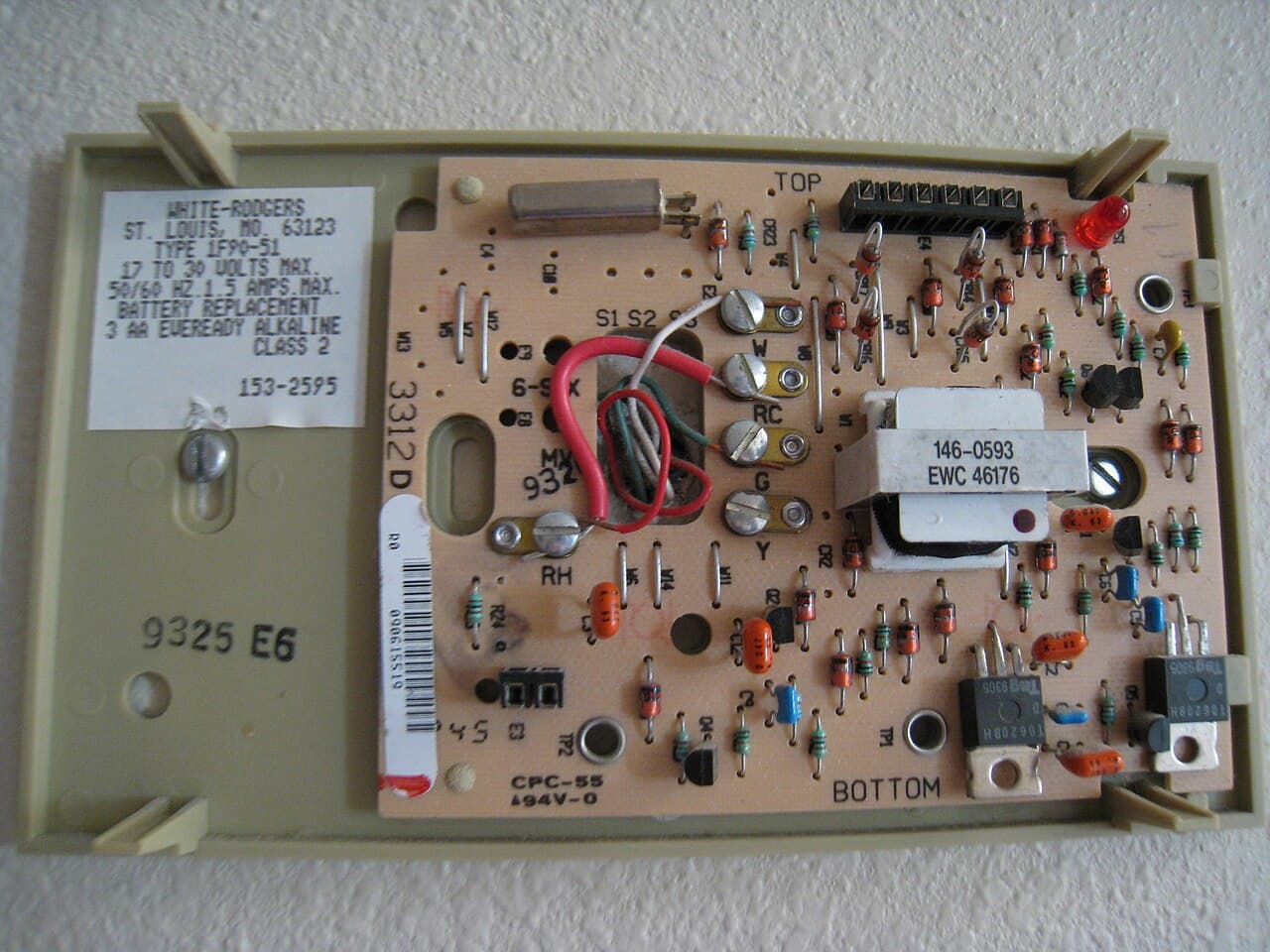
The money is in the setback: the hours when the house can be cooler in winter or warmer in summer because nobody needs it comfortable. The Department of Energy estimated you can save as much as 10% a year on heating and cooling by turning the thermostat back 7°F to 10°F for eight hours a day from its normal setting, and noted that the percentage saved is larger in milder climates than in harsh ones.[1]
A programmable thermostat simply does the turning for you. Programmable thermostats can store six or more temperature settings a day, and you can override one without changing the rest of the program.[1]
Build the schedule around your real week
Start with when the house is empty or asleep. A useful rule is to treat any stretch of four hours or more with nobody home as a setback period.[1] Most households end up with four periods on weekdays (wake, leave, return, sleep) and two on weekends.
Then choose the numbers:
- Winter, home and awake: around 68°F to 70°F, the Department of Energy's suggestion.[1]
- Winter, asleep or out: 7°F to 10°F below that.
- Summer, home: as warm as you are comfortable with. Dominion Energy suggests 68 degrees or lower in winter and 78 degrees or higher in summer, and, for long absences, 62 to 65 degrees in winter and 80 to 83 degrees in summer.[2]
- Summer, out: several degrees warmer than your home setting, returning before you get back.
Time the recovery so the house is comfortable when you need it. On most thermostats that means setting the "wake" period to begin a little before the alarm goes off rather than at the moment you get up. Some thermostats learn how long recovery takes and start early on their own.
Why setbacks work
A common worry is that the furnace burns the savings by working hard to warm the house back up. It does not: the house loses heat more slowly once it is cooler, so the longer it stays at the lower temperature, the more energy you save.[1] The same logic runs in reverse in summer.
Two habits undo a good schedule. The first is overriding it with a permanent hold and forgetting to release it. The second is cranking the air conditioner down to cool off faster. Setting the air conditioner colder than normal will not cool the house any faster; it only overshoots and costs more.[1]
Heat pumps need a lighter touch
If your heat comes from a heat pump, the usual advice changes. The Department of Energy warned that setting back a heat pump in heating mode can make it run inefficiently and cancel the savings, so a moderate setting is usually the cheapest choice.[1] The cause is the backup heat, which your thermostat controls automatically. Trane notes that the thermostat will trigger auxiliary heat if you raise the heating temperature by more than 3 to 4 degrees, and suggests raising it only a degree or two at a time.[6]
That leaves two sensible choices. One is to hold a moderate, steady heating setting. The other is a programmable thermostat made for heat pumps: these typically use special algorithms to minimize the use of backup electric resistance heat, which is what makes a setback pay off.[1] In cooling mode a heat pump acts like an air conditioner, and a warmer away setting saves money as usual. More on keeping one efficient is in how to keep a heat pump running well in winter.
Electric baseboard heat is different again. Electric baseboard heat needs a thermostat that switches 120-volt or 240-volt circuits directly, and only a few companies make programmable line-voltage models.[1] Changing one of those is line-voltage electrical work.
What a smart thermostat adds
A smart thermostat runs the same schedule but can adjust it for you. ENERGY STAR lists features such as geofencing, which notices when you have left and sets the system back, and learning features that build a schedule from your preferences.[3] To be certified, a model must show, from a year of data across hundreds of homes, that it cut heating run time by at least 8% and cooling run time by at least 10% on a statistical lower bound, and certified models must still work as a basic thermostat when the internet connection drops, and they must let you set a schedule.[4]
Some Virginia utilities pay for the connection. When we checked on 26 October 2026, Dominion Energy Virginia's Smart Thermostat Rewards offered an upfront incentive of $25 plus $25 for each year you stay enrolled, in exchange for brief "energy events" that make small, temporary thermostat adjustments.[5]
Put the thermostat where it reads the room
A schedule is only as good as the reading behind it. A thermostat should sit on an interior wall away from direct sunlight, drafts, doorways, skylights and windows, with no furniture blocking air around it.[1] A lamp or TV just below it can make it think the room is warmer than it is.
Stop and call a pro if
- The system does not respond to the schedule at all, or the thermostat calls for heat and nothing happens. Start with why a thermostat is not turning on the heat.
- A heat pump shows auxiliary or emergency heat for long stretches in mild weather, which points to a problem in the heat pump, not the program.
- Rooms never reach the setpoint even after a long recovery, or some rooms run much hotter than others.
- You have line-voltage baseboard thermostats you want to replace with programmable ones. That is work for a licensed electrician.
For what to set and when through the year, see what temperature to set your thermostat in winter and summer. You can also browse more heating and cooling answers, or find licensed HVAC businesses near Blacksburg.
If the thermostat itself is acting up, describe the problem once and get quotes from licensed HVAC businesses.
Common questions
- How much can a programmed thermostat save?
- The Department of Energy put it at as much as 10% a year on heating and cooling for turning the thermostat back 7°F to 10°F for eight hours a day from its normal setting. The share is larger in milder climates, and what you actually save depends on your house, your equipment and how closely you stick to the schedule.
- Does the furnace waste the savings by working harder to warm the house back up?
- No. A cooler house loses heat to the outdoors more slowly, so the longer it sits at the lower setting, the less energy it loses overall. The recovery run does not cancel that out for a furnace.
- Should I set back a heat pump at night?
- Usually not, unless the thermostat is made for heat pumps. When a heat pump is heating, a setback can make it run inefficiently and cancel the savings, and raising the setting by more than 3 to 4 degrees can bring on the backup heat. A moderate, steady setting is the most cost-effective choice, or use a programmable thermostat designed for heat pumps, which minimizes the backup electric heat. In cooling mode a heat pump behaves like an air conditioner, and a warmer setting while you are out saves money.
- Is a smart thermostat worth it over a basic programmable one?
- It can be, if you would not keep a manual schedule. ENERGY STAR certified smart thermostats are tested on real homes for run-time savings, can set back automatically when you leave, and must still work as a basic thermostat without an internet connection. A basic programmable thermostat that you actually program can also save well.
- Do Virginia utilities pay you to use a smart thermostat?
- Some do. When we checked on 26 October 2026, Dominion Energy Virginia's Smart Thermostat Rewards offered $25 upfront plus $25 for each year of participation, in return for brief energy events that adjust the thermostat a little. Check your own utility's current terms before you enrol.
Sources
- [1] Programmable Thermostats (Energy Saver, archived copy), U.S. Department of Energy. Checked October 26, 2026.
- [2] Seven tips for saving energy in your home, Dominion Energy. Checked October 26, 2026.
- [3] Smart Thermostats, ENERGY STAR, U.S. Environmental Protection Agency. Checked October 26, 2026.
- [4] Smart Thermostats Key Product Criteria, ENERGY STAR, U.S. Environmental Protection Agency. Checked October 26, 2026.
- [5] Save Energy, Dominion Energy Virginia. Checked October 26, 2026.
- [6] What is Auxiliary Heat and How Does it Affect HVAC Performance?, Trane. Checked October 26, 2026.
Want a pro to handle it?
Describe the job once. Licensed local businesses send quotes, and you pay only when you book one.
Get a quote for HVAC Repair